Get started

Exxat Design OS

A design system, that designs.

Speak in outcomes. The system asks the right questions and ships UX that respects users.

  • Asks first.Discovery before generation.
  • Refuses bad UX.No raw tables. No hex. No toasts.
  • Accessible.WCAG 2.1 AA, enforced in CI.
  • AI-native.Cursor & Claude, same playbook.

Get started See how it thinks What's new · May 26–29 →

Receipts: 198 tokens · 90 components · 23 AI skills · 45 binding rules · 0.6.28 on @exxatdesignux

I · Pick a path

Two ways in,
one place to land.

One command for new projects. Three for existing ones, the same three after every release.

Starting fresh.

Vite + React, fully wired. Components, demo routes, Cursor skills. One command.

  • Vite 6 · TS
  • 84 components
  • Skills synced
terminal · new project
# inside an empty project folder — scaffold + install + sync Cursor skills
npx --package=@exxatdesignux/ui@latest exxat-ui init .

# start dev server
pnpm dev
Already coding.

Drop into any React app. Same three commands cover install and every release.

  • One dep
  • Auto re-sync
  • Code untouched
terminal · install or update
# 1 · install or bump the dep
pnpm add @exxatdesignux/ui@latest

# 2 · port safe shell fixes + re-sync skills, rules, docs
npx --package=@exxatdesignux/ui@latest exxat-ui upgrade

# 3 · see what moved
npx --package=@exxatdesignux/ui@latest exxat-ui changelog

II · How to use it

From install to first pixel,
in six small moves.

No build configs. No tokens to wire up. Open a folder, paste one command, ask the AI to run it. The Design OS handles the rest.

Grab the one-liner.

One scaffold command. It pins the right DS version, installs dependencies, and copies skills + rules into the folder you're in.

command · copy
# scaffold Exxat DS into the folder you're in
npx --package=@exxatdesignux/ui@latest exxat-ui init .

Make an empty room.

Anywhere on disk. Name it after the product, not the framework. The CLI scaffolds Vite, React, and the DS inside it.

mkdir my-app · cd my-app

Land in Cursor or Claude.

Drag the folder into Cursor, or open it in Claude Code. Either editor reads the same rules and skills the CLI installs.

File Open Folder

Let the agent run it.

Paste the command into the AI chat and say "please install this for me." The agent runs init, installs dependencies, and tells you when it's ready.

⌘V then

One quick relaunch.

The editor needs a restart to pick up the freshly synced skills and rules. After it relaunches, your agent knows the whole design system.

Send your first prompt.

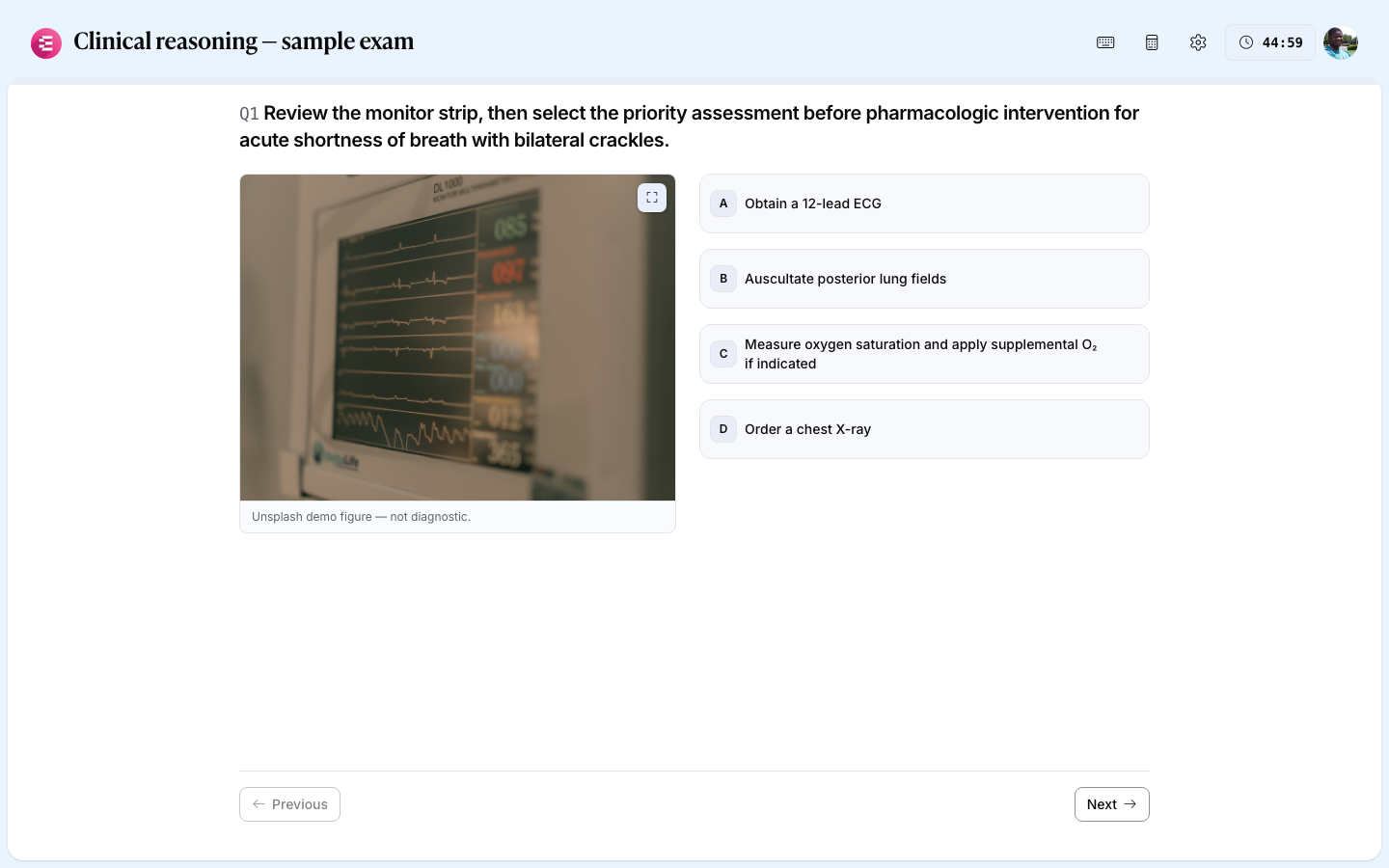
Speak in outcomes — "build a students hub with filters and bulk actions." The AI uses Exxat patterns by default.

See the prompt theatre ↓

III · Your first prompt

Speak in outcomes. Watch UX get built.

Picking the right shape

IV · Tips & tricks

Sharper output,
less effort.

Pick your tool, pick a goal. We'll show you the exact slash command to type — the chatbox below mirrors what lands in your editor.

Design Skill

Run the senior UX reviewer.

Paste a screenshot or a route. The skill returns prioritised UX rewrites — IA, density, error states, empty states. Ship the rewrite, not the first draft.

New to skills? Read UX patterns for the full library, or browse .cursor/skills/exxat-* after install.

V · How smart it is

User-first design,
from any prompt.

Components are table stakes. The AI inside ships user-centric UX on purpose, not by accident.

It asks before it ships.

Discovery protocol runs first. Who, what decision, dense or visual. You answer once.

It refuses bad UX.

No raw tables. No hex. No toasts. 31 binding rules enforce the floor.

It reaches for what already works.

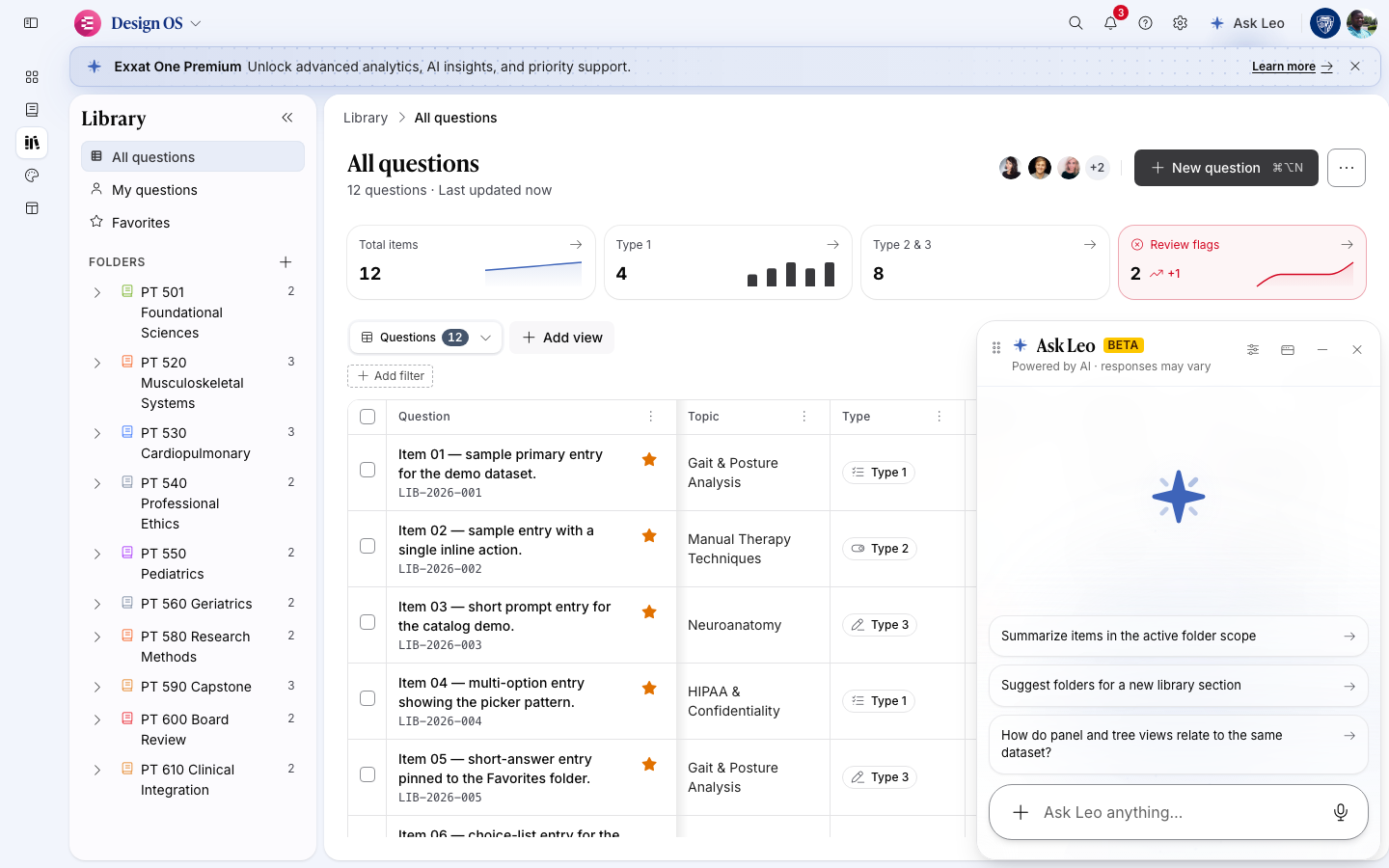
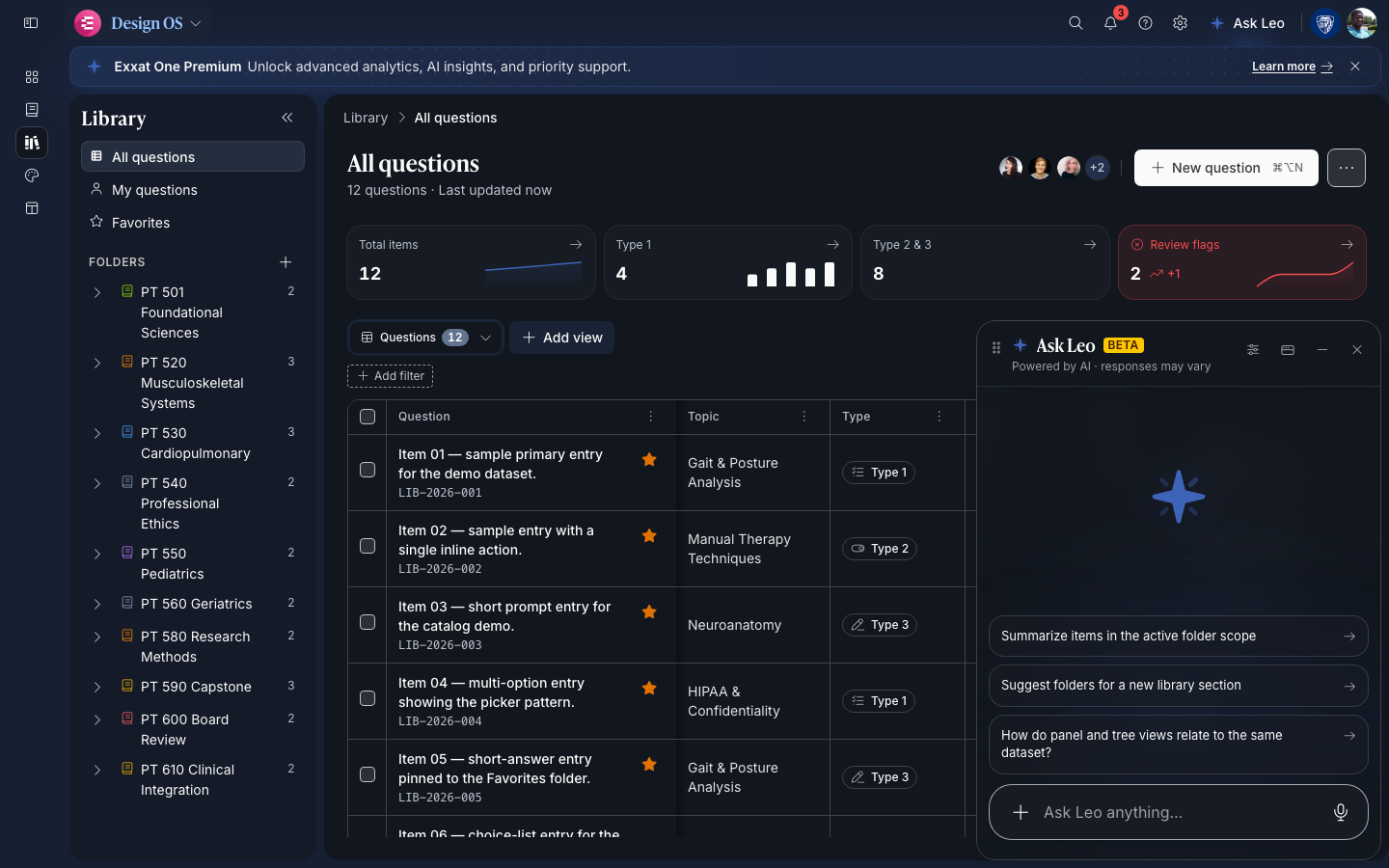
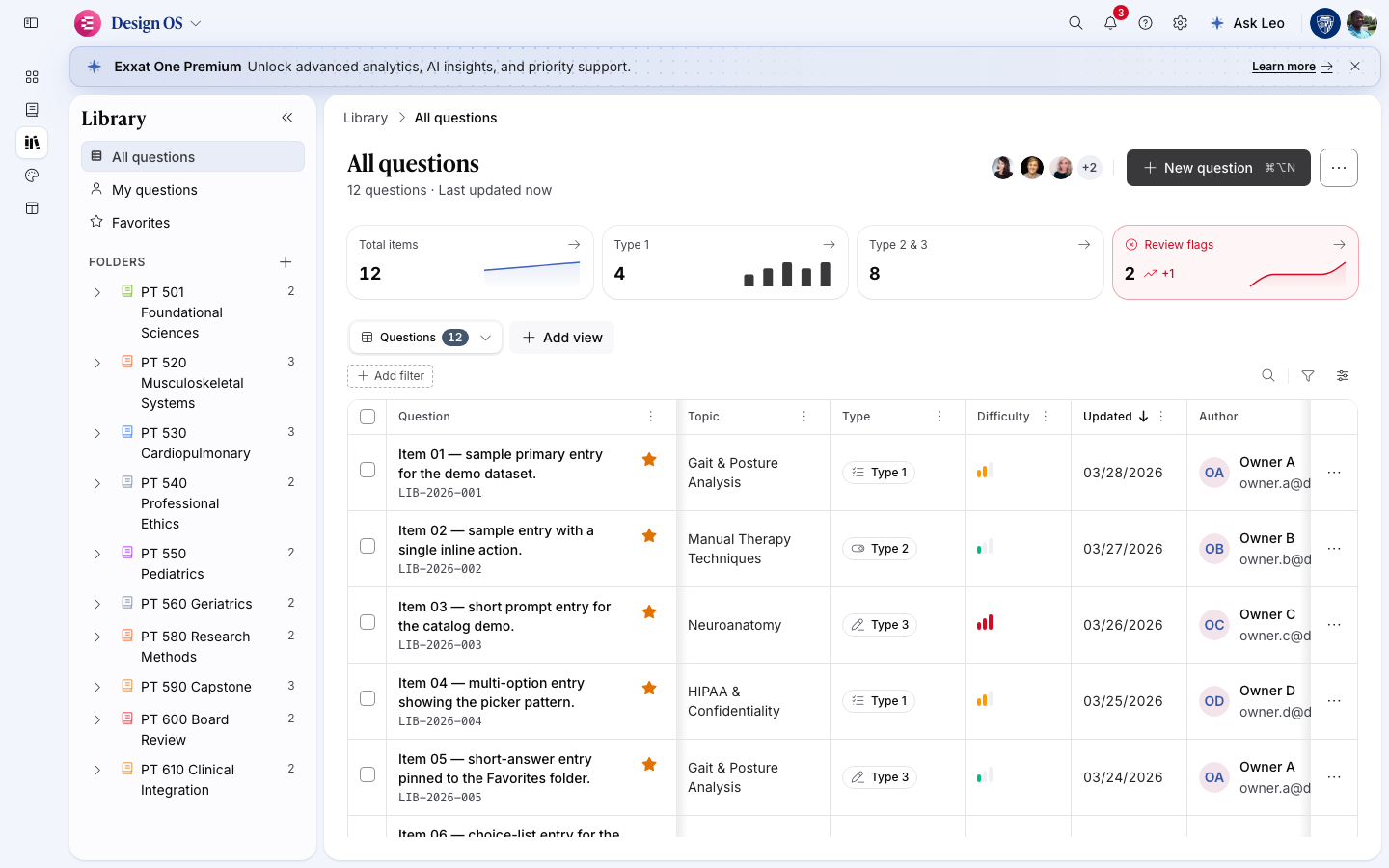
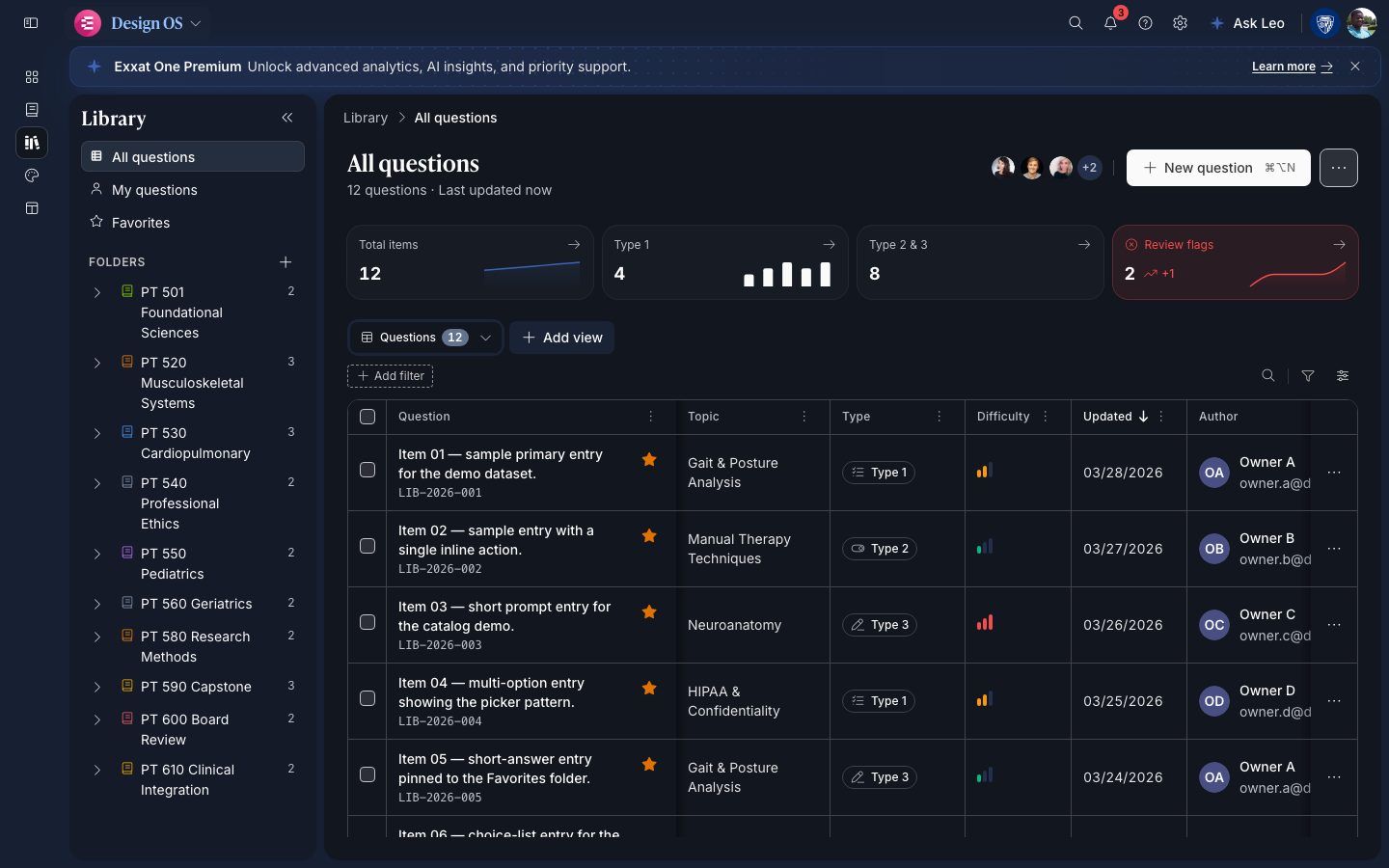
Every hub, the same seven views. Every record, the same IA. The system already chose.

It gets smarter every release.

Re-run sync-extras. Rules refresh. Your code never moves.

90
Components shipped
one package
100
Automated tests
ui + web
198
Design tokens indexed
hooks-index
AA
WCAG 2.1 baseline
enforced in CI
Every file the system writes into your repo · the receipts behind the four pillars above

These are the files exxat-ui sync-extras drops into your repo (and re-runs after every release). They're not just docs. Together they form the ruleset that lets the AI ship user-centric designs without supervision. None of them touch your hub code, routes, or data.

WhatWhere it landsWhy it matters
16 Cursor skills .cursor/skills/exxat-* Workflows + checklists the agent steps through before writing code (incl. exxat-token-economy pre-flight, ~50% fewer tokens)
16 Claude skills .claude/skills/exxat-* Same shape, mirrored for Claude Code & Claude.ai
31 binding rules .cursor/rules/exxat-*.mdc The MUST / MUST NOT floor. What the AI is not allowed to ship.
6 pattern docs docs/exxat-ds/*-pattern.md How the system thinks about hubs, KPIs, command menu, collaboration, etc.
1 upgrade checklist docs/exxat-ds/consumer-upgrade-checklist.mdRun after every sync-extras. Surfaces what changed.
4 handbook docs docs/exxat-ds/handbook/*.md Top-of-funnel HANDBOOK + glossary + voice/tone + reference implementations

All in one command. Re-run after upgrades; the package's CHANGELOG.md tells you which files moved. None of these overwrite your code.

VI · What's new

What's new

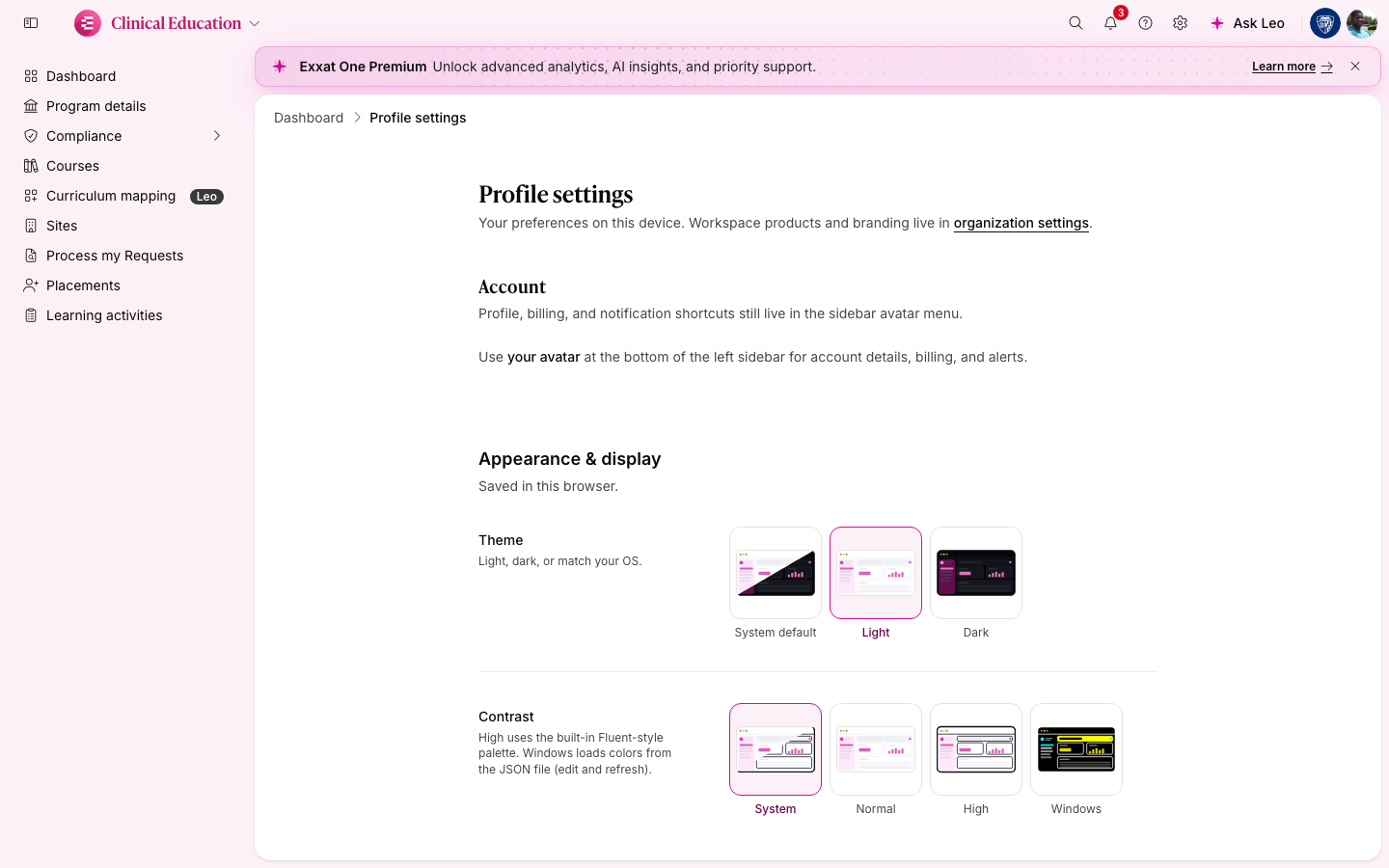
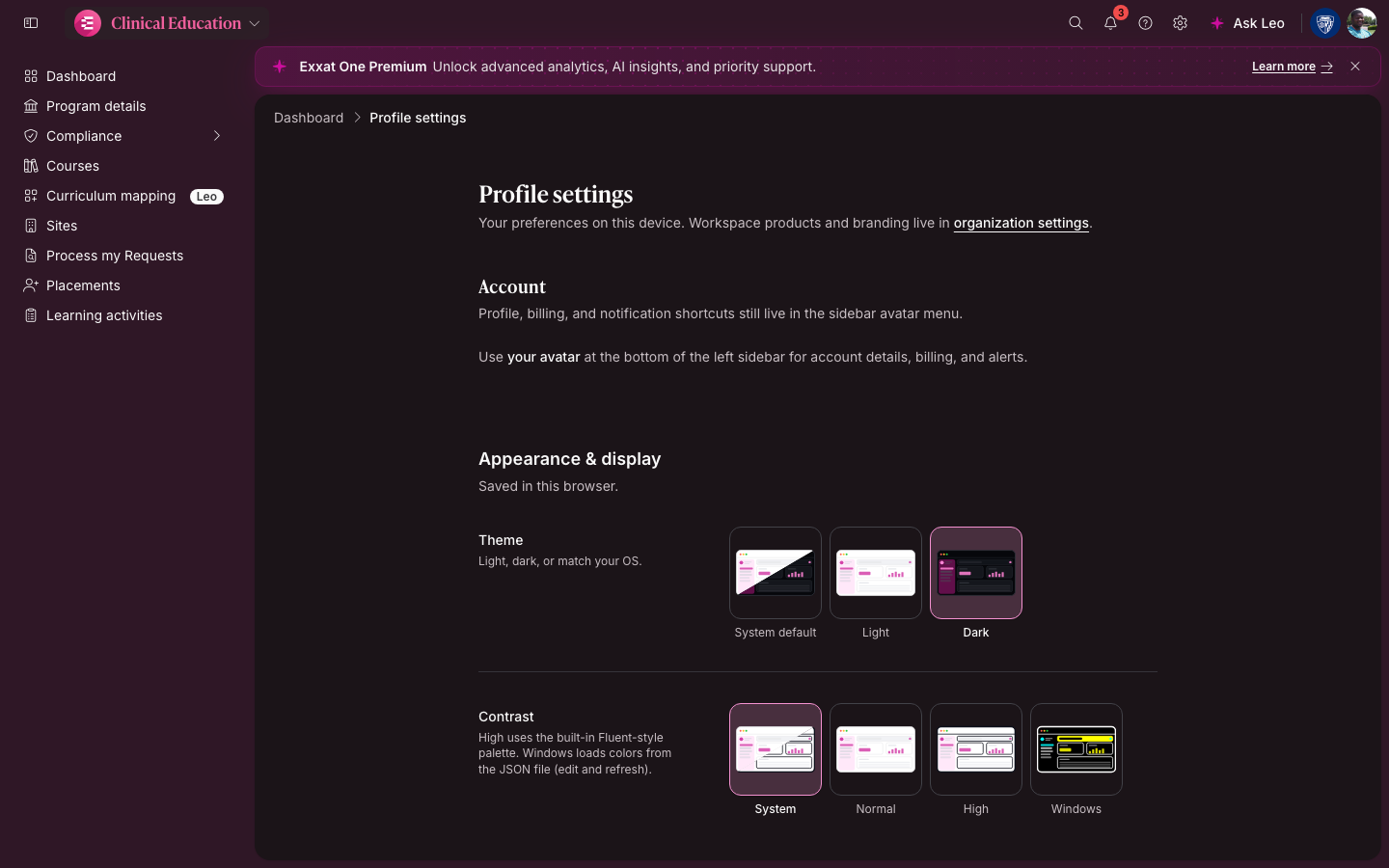
May 26–29, 2026 · 0.6.28 — a composable product platform shipped in four days: builder onboarding with a live sidebar preview, a four-app switcher, settings that split Profile from Organization, Product Studio for tenant authoring, and AI guardrails that make agents post a brief before they edit a surface. Read the full release →

Drill-in

Sidebar drill-down for deep sections.

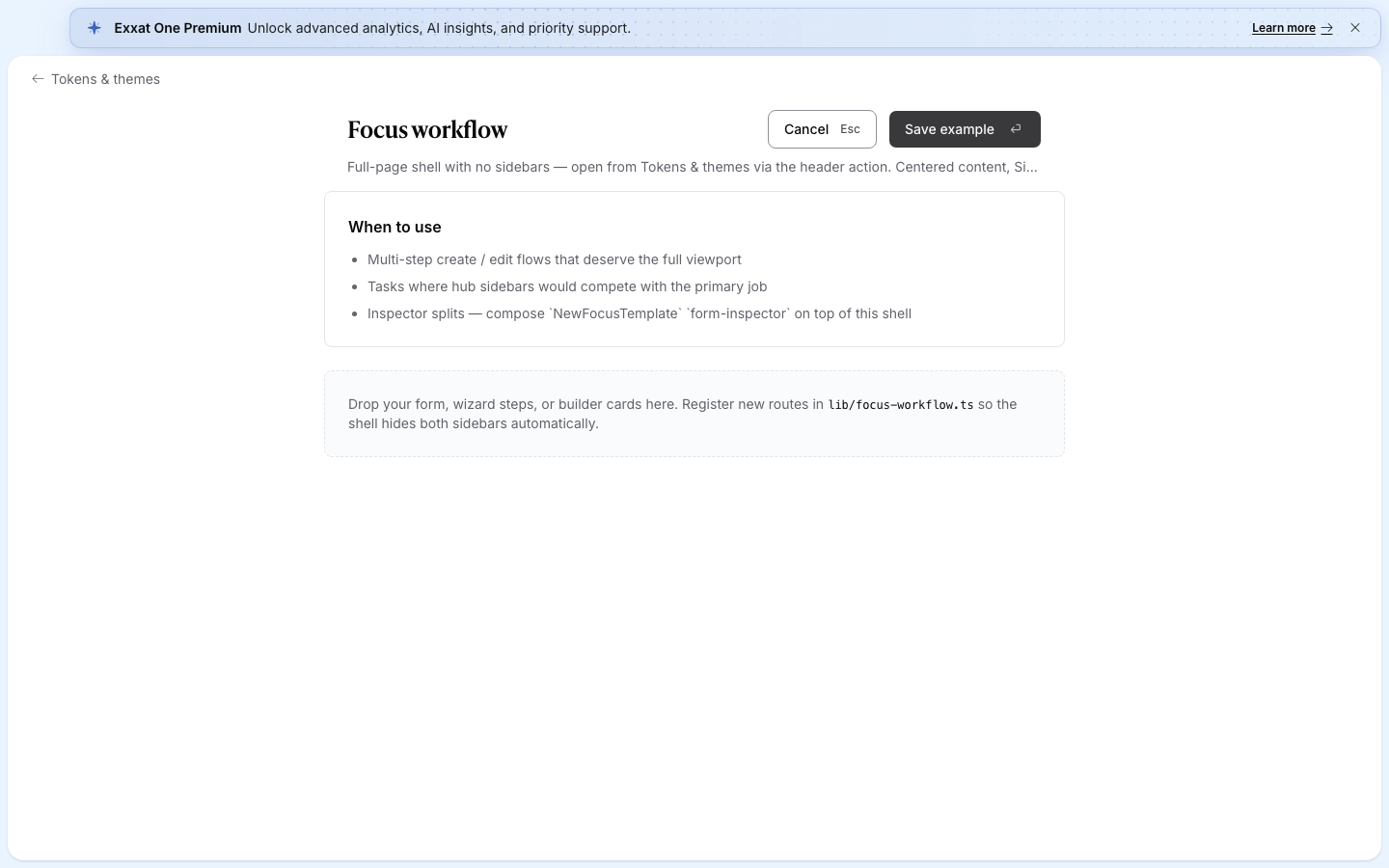
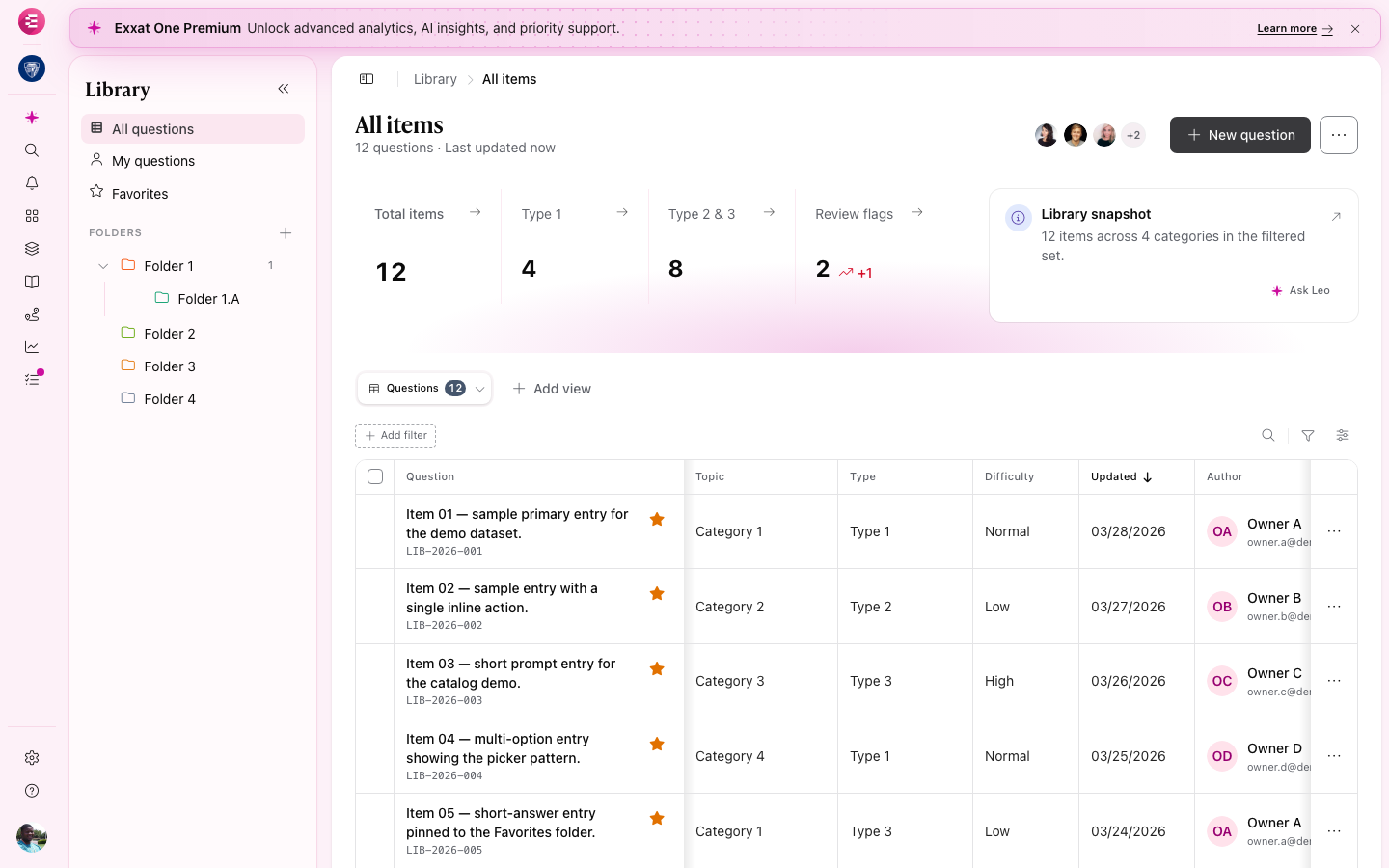
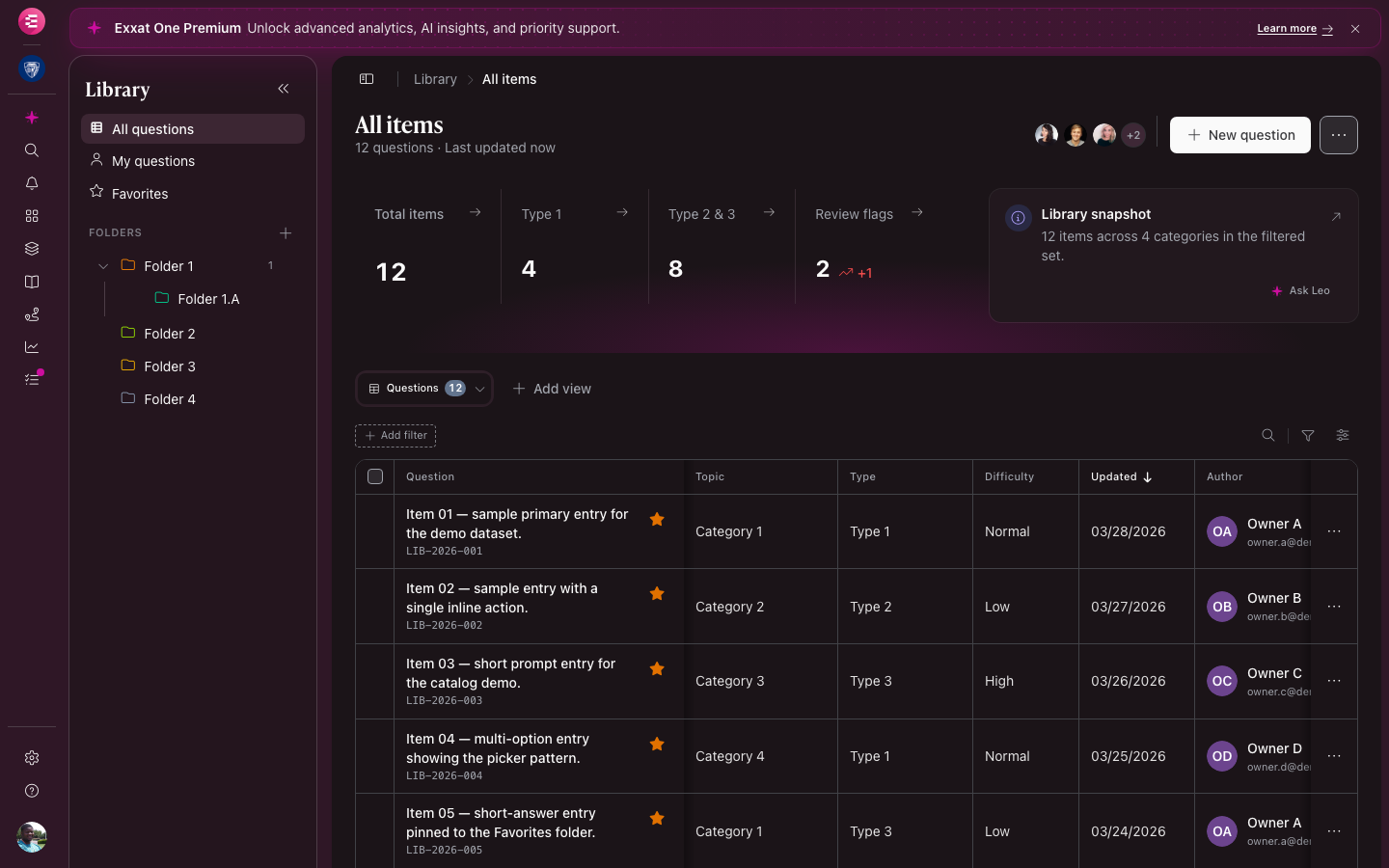
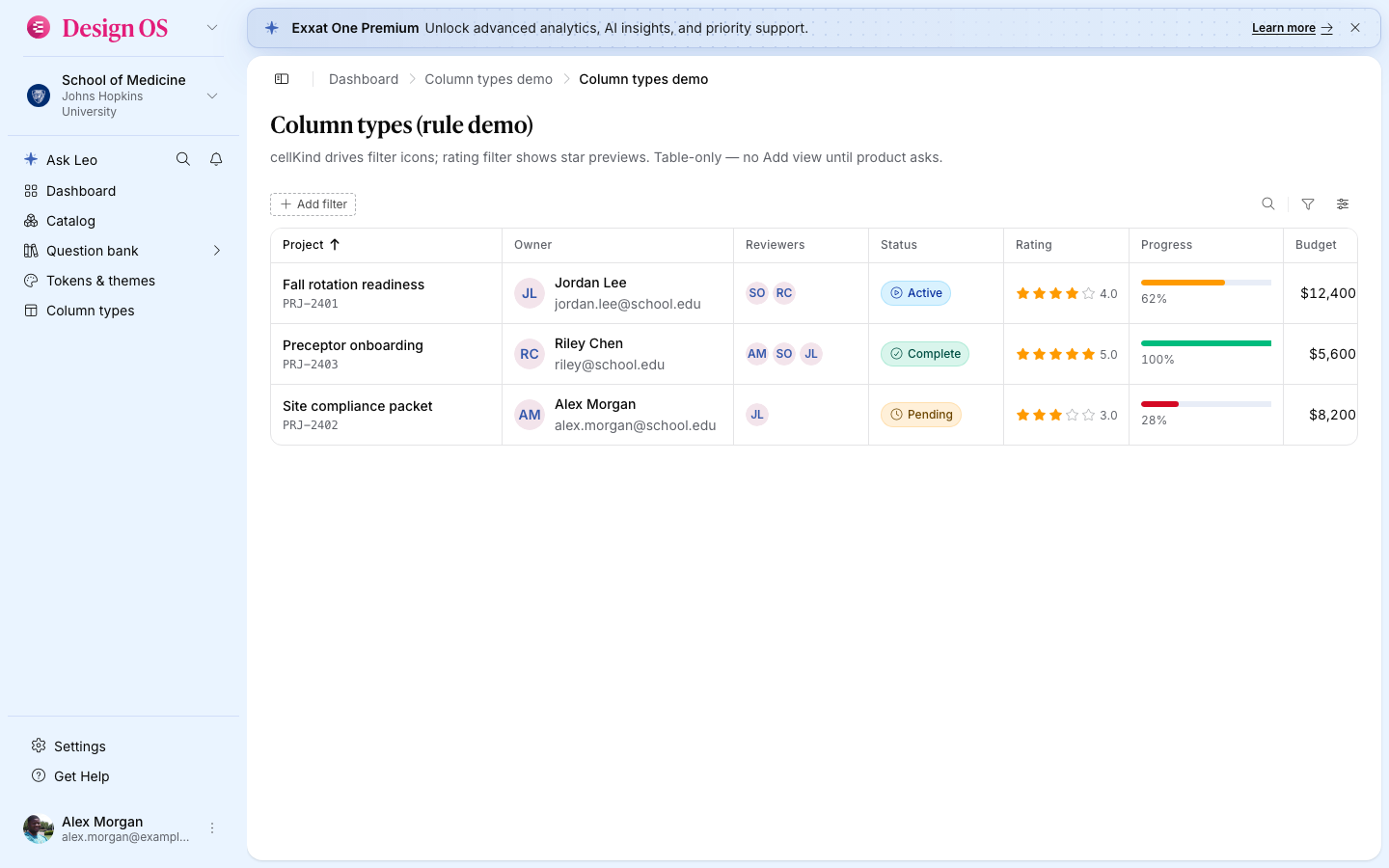
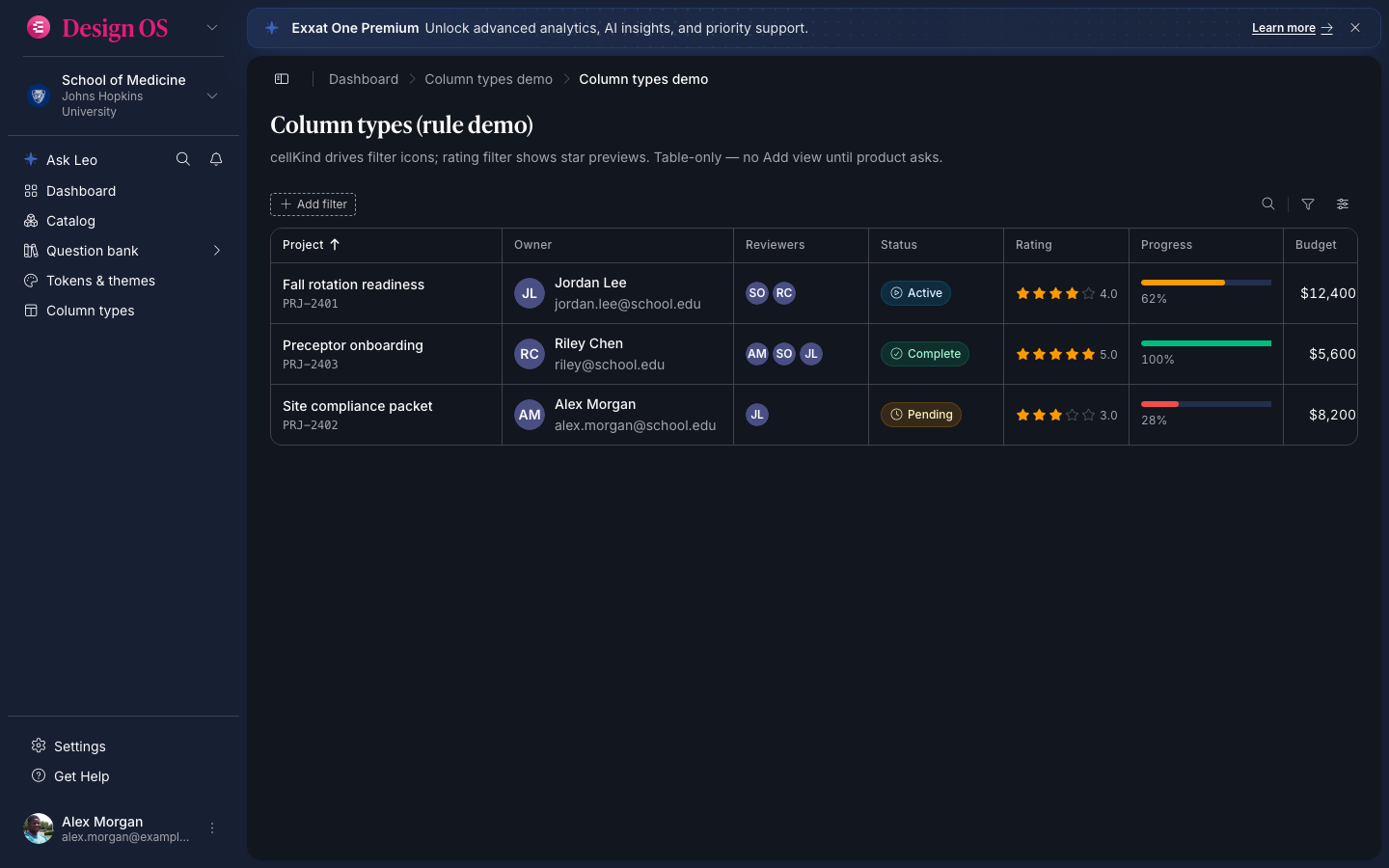
SidebarDrillIn swaps primary nav for a flat ← Back list — see Tokens & themes in the carousel. Library keeps its secondary panel for folder scope; drill-in is a different pattern for flat section nav.

Onboarding

Add new product — the first screen.

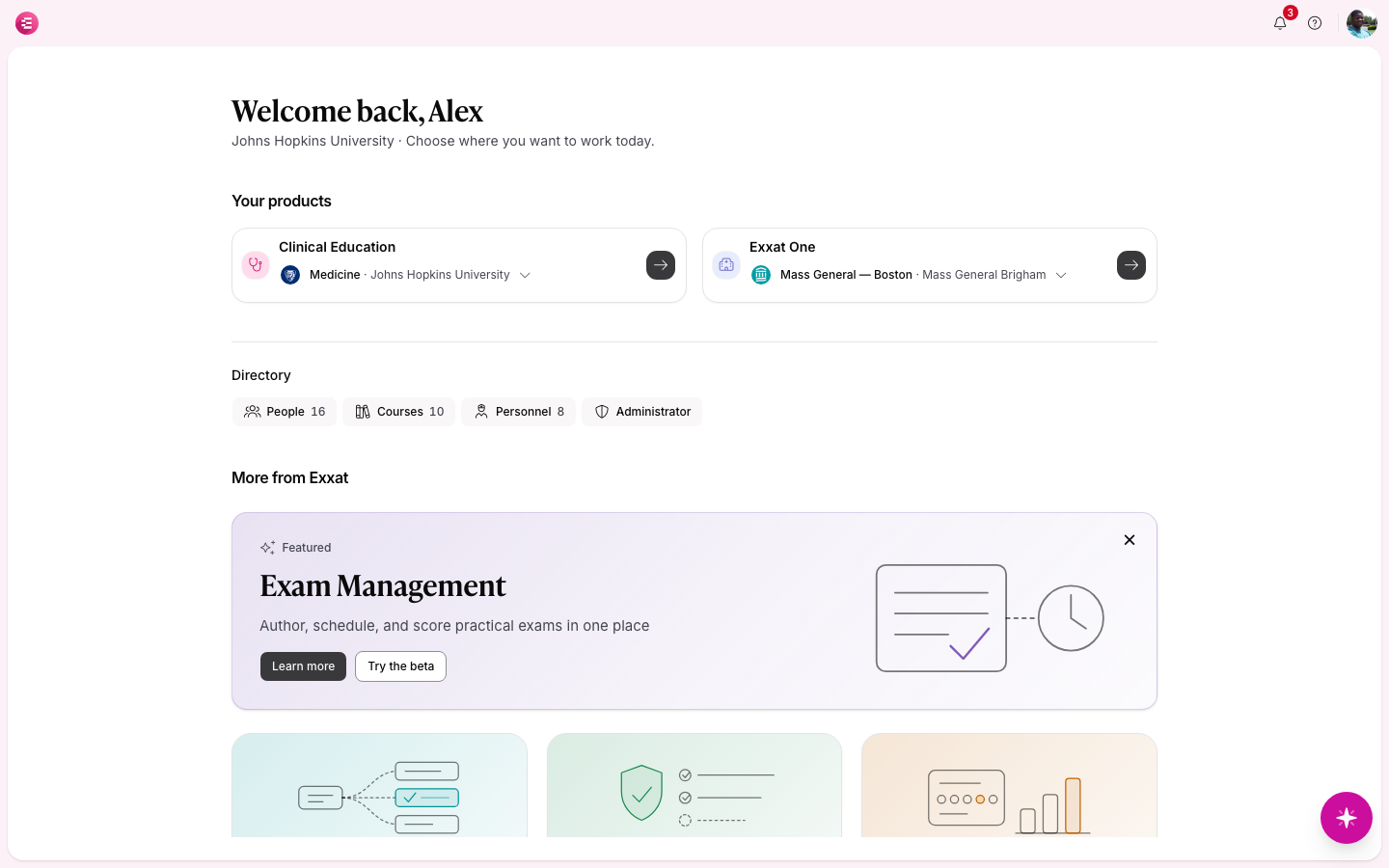
Five-step wizard: pick Custom (or Prism / One), name the product, choose scope + persona, build starter nav. Sidebar preview updates on every pick. Restart from Profile any time.

Guardrails

Agents ask before they ship.

Brief-gate hook + exxat-senior-ux skill: Cursor posts Product / Scope / Persona before writing hubs. Sonner is gone — banners, inline status, and dialogs carry feedback.

Engineering history: RELEASES.md · package bumps via sync-extras on install.